
Hover the mouse over your profile (on the top right corner)
Click on it will bring up the Profile Menu
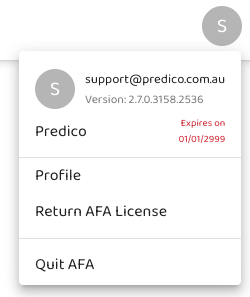
It shows the your username, the AFA version number, the account, license validity date and your profile.
Roles
When you are onboarded to the AFA, you will be assigned a role of either User or Admin.
User Role
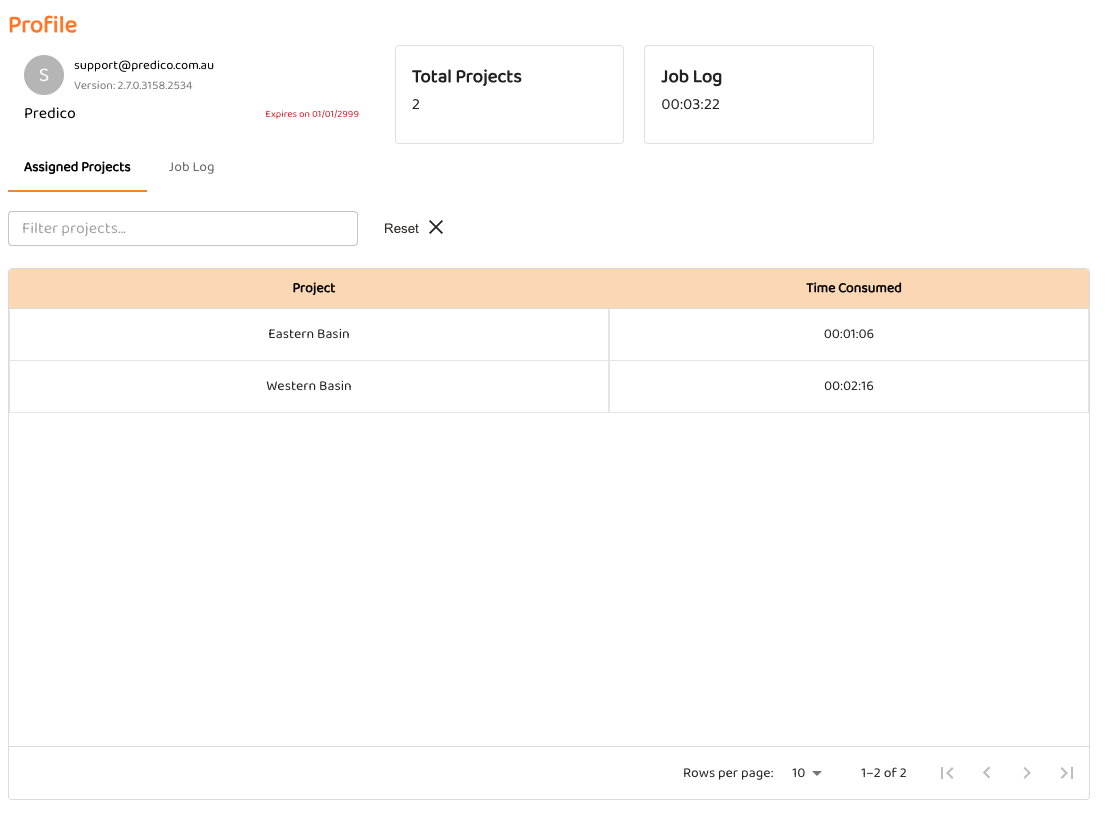
A user can only see his Assigned Projects and the log of his Jobs
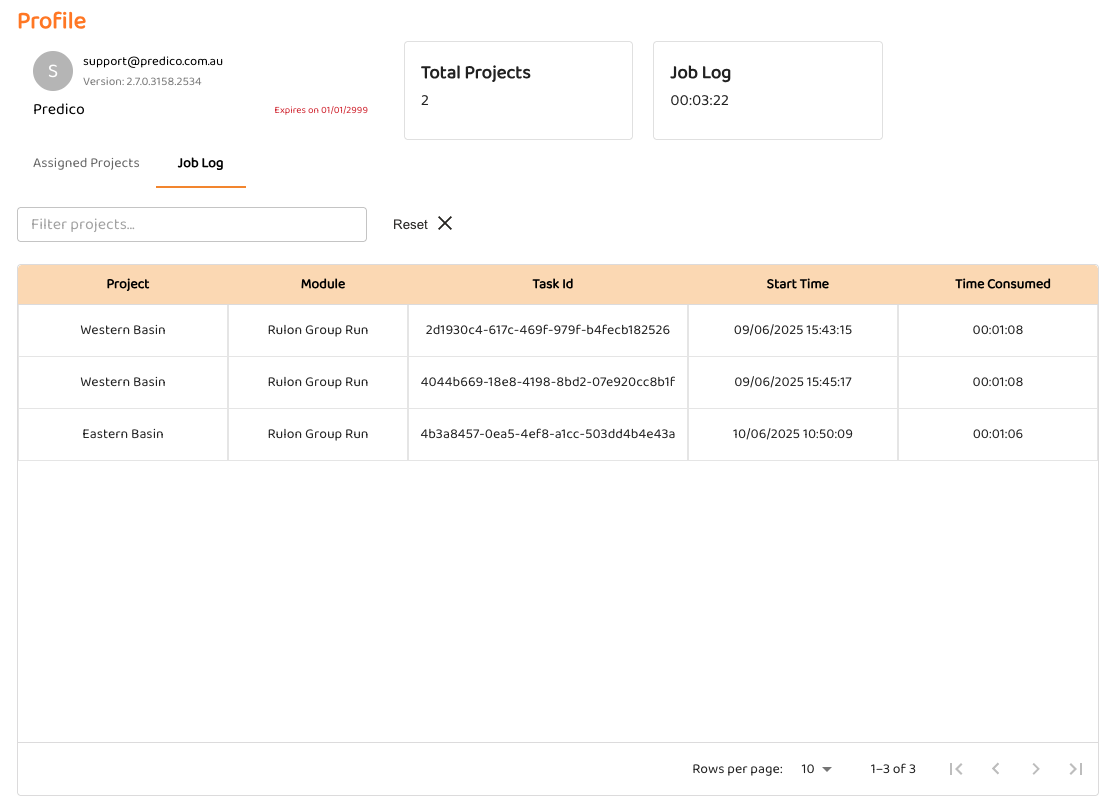
Job Logs
Return AFA License and Quit AFA