
The Admin Dashboard feature enhances visibility and control across your AFA account, exclusively for users with the Admin role. It provides a centralized view of user activity, resource allocation, license management, and job history to support efficient account oversight.
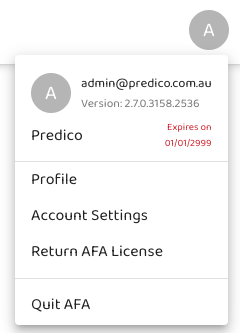
Profile
The Profile section displays the logged-in user’s information. You can access:
-
Profile Menu – View your user details, linked projects, and job logs - see Profile Menu
Account Settings
The Account Settings area gives Admins a high-level view of account usage and configurations across all users and projects.
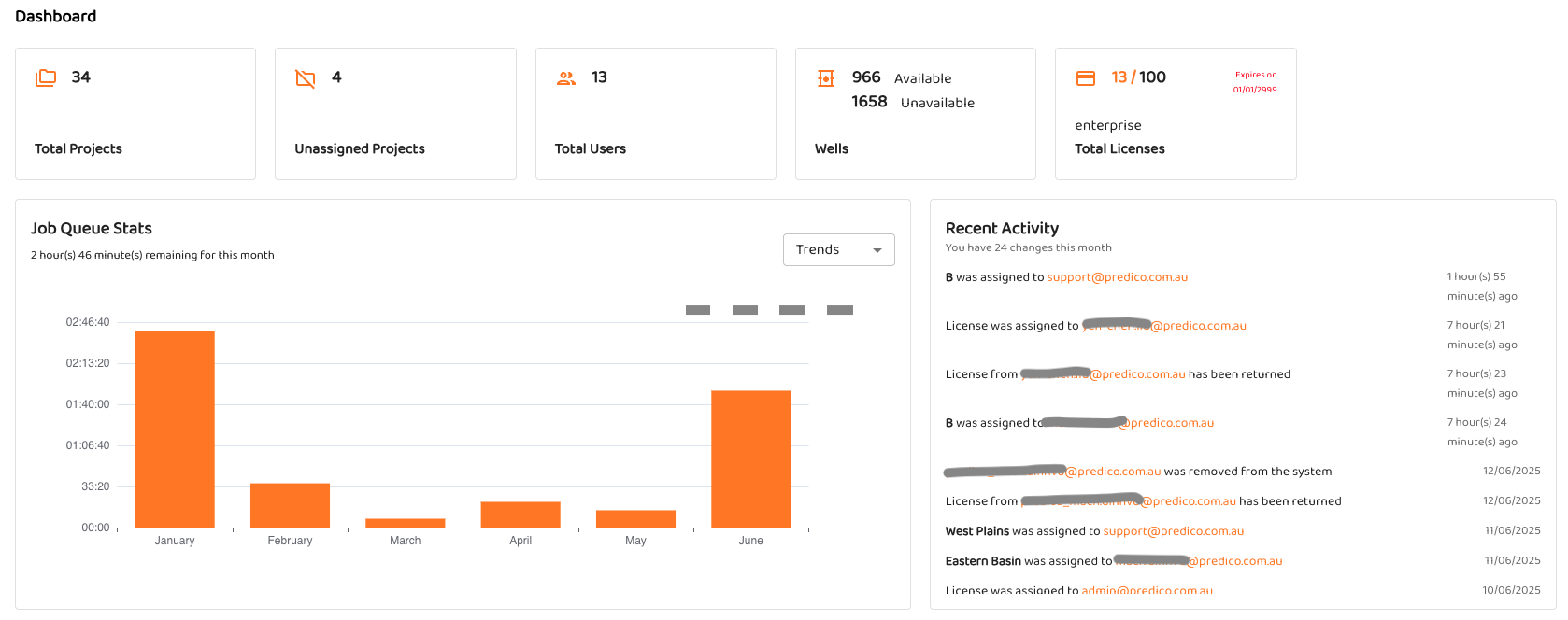
Dashboard
The Dashboard provides an overview of account activity, including, Resource utilization, User activity patterns, Project and well statistics.
Wells
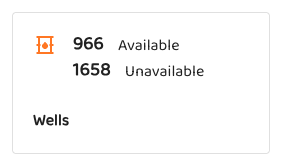
Available Wells: Displays the total number of wells currently accessible to the account.
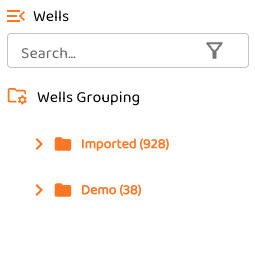
Unavailable Wells: Reflects all wells that have ever existed in the AFA database, including those that are no longer accessible. This allows you to compare historical availability.
Projects
Lists all projects in the account, including the assigned users and usage patterns.
-
Admins can:
-
Reassign projects to different user
-
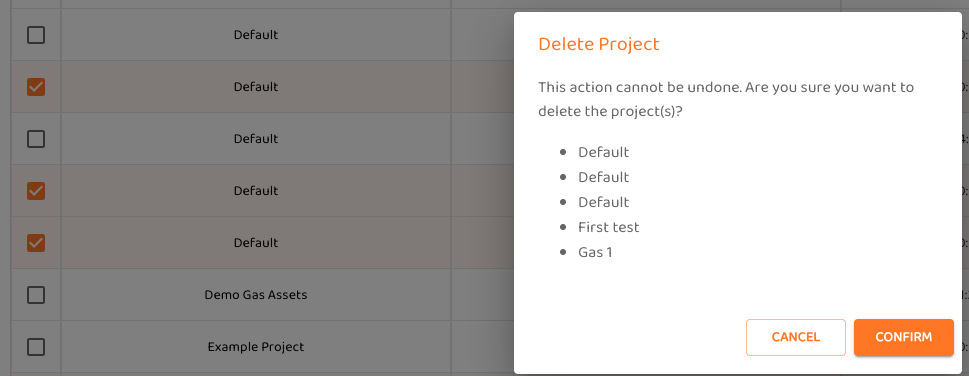
Delete single or multiple projects when they are no longer needed. Users will be asked to confirm.
-
Unassigned Projects
-
When a user is removed from the system, their projects become Unassigned.
-
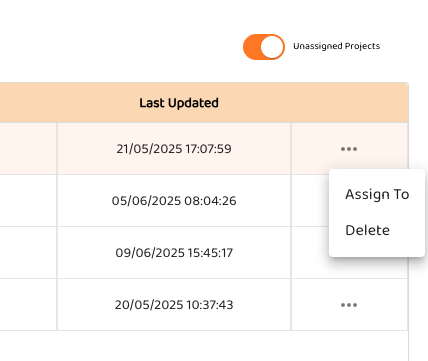
Toggle the Unassigned Projects view to review these.

-
Admins can then:
-
Assign the project to another user
-
Permanently delete the project
-
Users
The Users section enables Admins to manage user accounts and licenses:
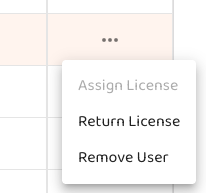
Assign License
-
Allocate an available license to a user to enable access to AFA.
Return License
-
Release a user’s license back to the license pool.
-
The user retains access to AFA but cannot run jobs until a license is re-assigned.
-
See Exiting AFA (Logging Out) for more details on license release behavior.
Remove User
-
Permanently remove a user from AFA.
-
All projects owned by the user will be moved to Unassigned.
-
⚠️ Note: Admins cannot remove their own accounts—this option will appear dimmed if attempted.
Return AFA License